
Con Dev Templates Store – A complete storefront for selling ready-made single-page HTML templates and browser games, built with Next.js 16, React 19 and MongoDB. A visitor browses the catalogue, opens the live demo of any template, adds it to the cart, pays through the Zarinpal gateway and picks the file up from their own purchases page — with a full account system behind it.
⚡ Portfolio-Level Project – Showcasing full-stack work in Next.js App Router, MongoDB data modelling, NextAuth sessions, a real payment gateway and a themed RTL interface.








- 🗂 Template Catalogue – Four categories — Persian landing pages, Turkish landing pages, bio pages and games — with filters and a dedicated page for every template
- 🎬 Live Demo Per Template – Each template is hosted on its own domain and opens straight from its card, so buyers see the real thing before paying
- 🛒 Cart – Add and remove templates, with the total shown in Persian digits and Toman
- 💳 Zarinpal Checkout – Payment request, redirect to the gateway and a verified callback that only marks the order paid when the authority checks out
- 📦 Purchases – Everything a customer bought stays in their account, ready to download
- 🔐 Complete Auth Flow – Sign up, sign in, forgot password, reset password and Google sign-in
- 👤 Profile – Edit personal details, change the password and delete the account
- 🌗 Two Themes – A dark default and a light "Spotify" theme, remembered per browser
- 🧮 Persian By Default – RTL layout, Persian digits and a shared Toman formatter
- 🎞 Motion and Feedback – Swiper sliders, skeleton loading states, toasts and confirm dialogs before anything destructive
- 🔍 SEO and Install – Per-page metadata, a generated sitemap, robots rules and a web manifest
- 🧱 Component Structure – Every component lives in its own folder next to its stylesheet
- 🛡 Safe Reads – If a template image or a database read fails, the page still renders instead of crashing
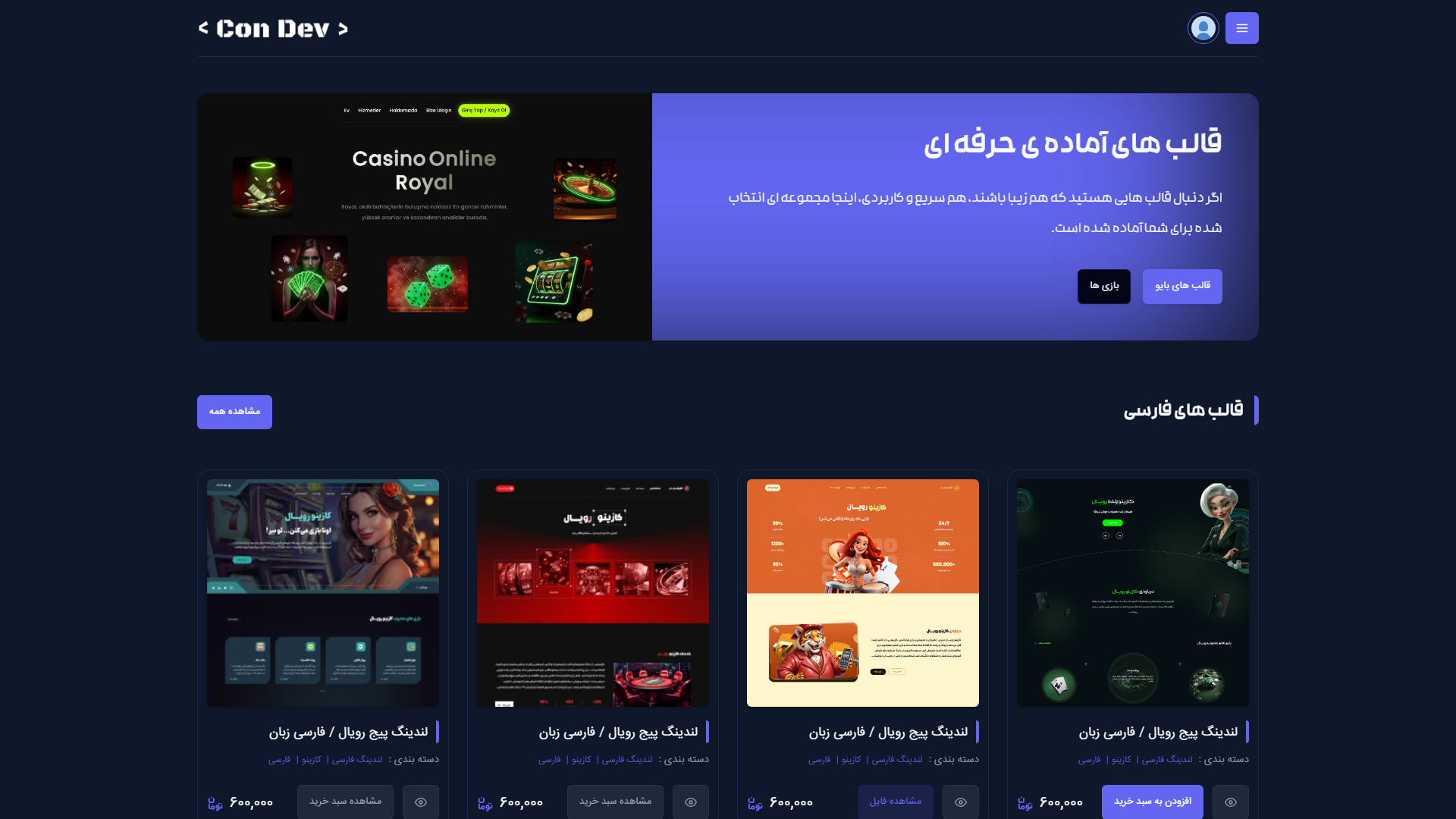
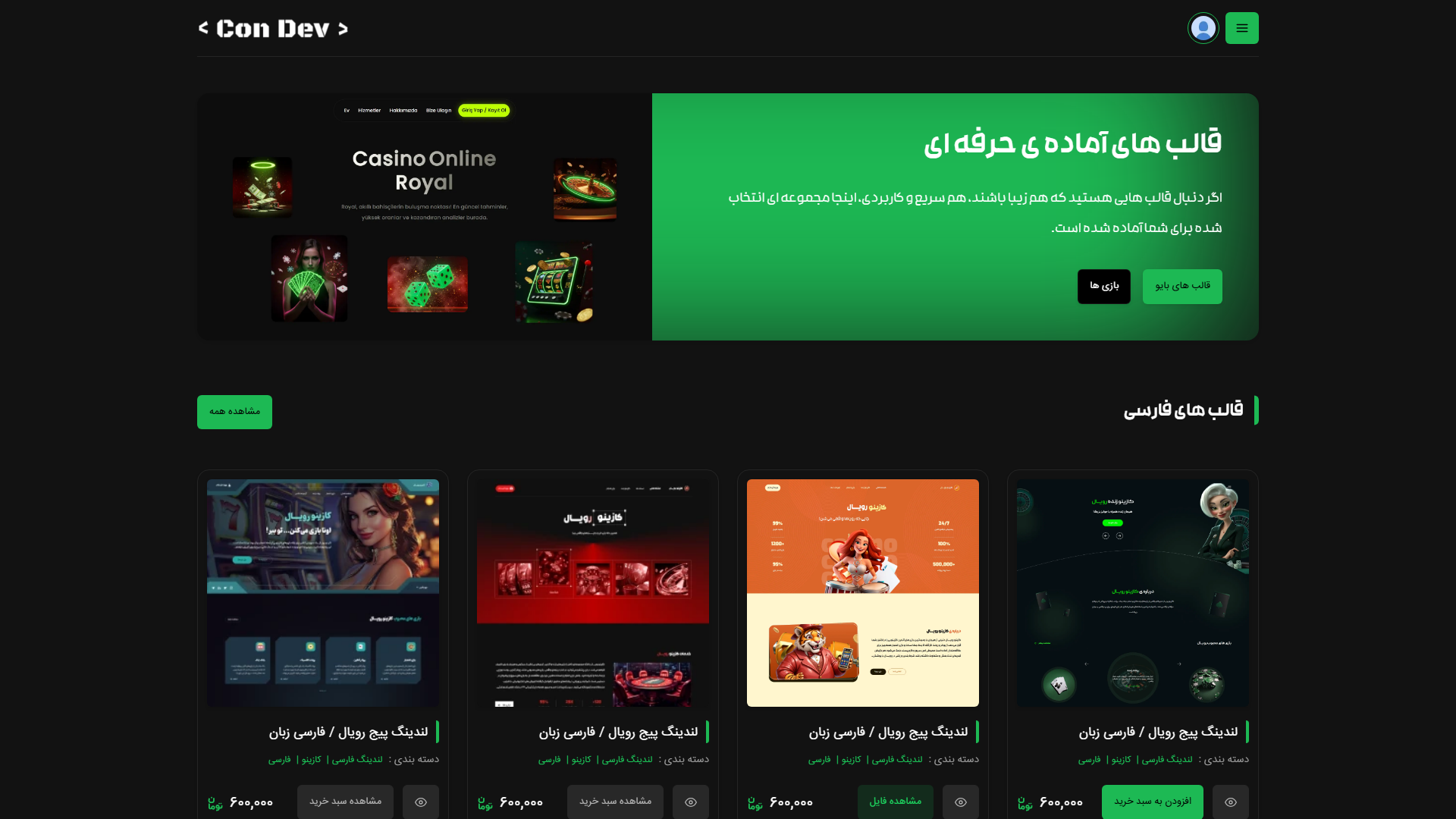
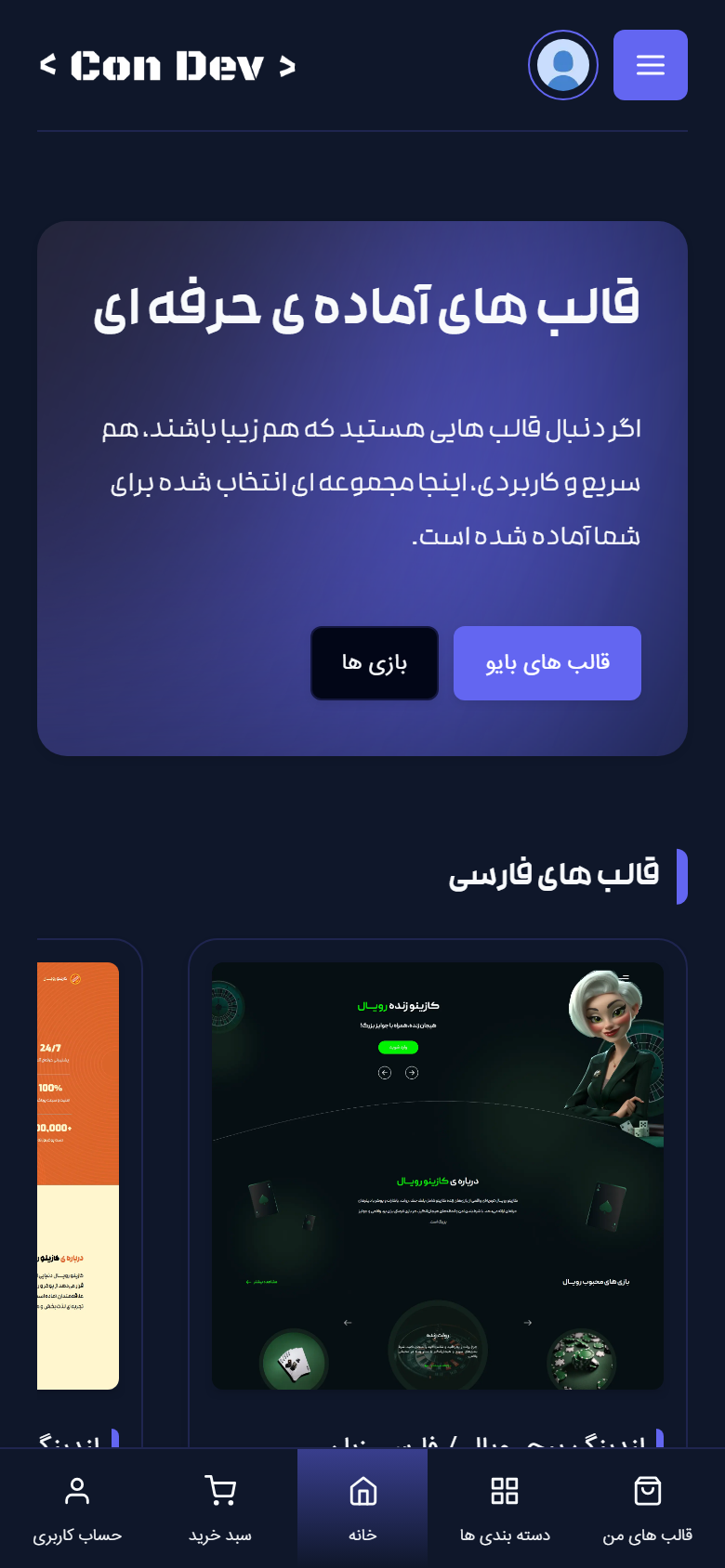
Hero, category slider, best sellers and the plan bundles.
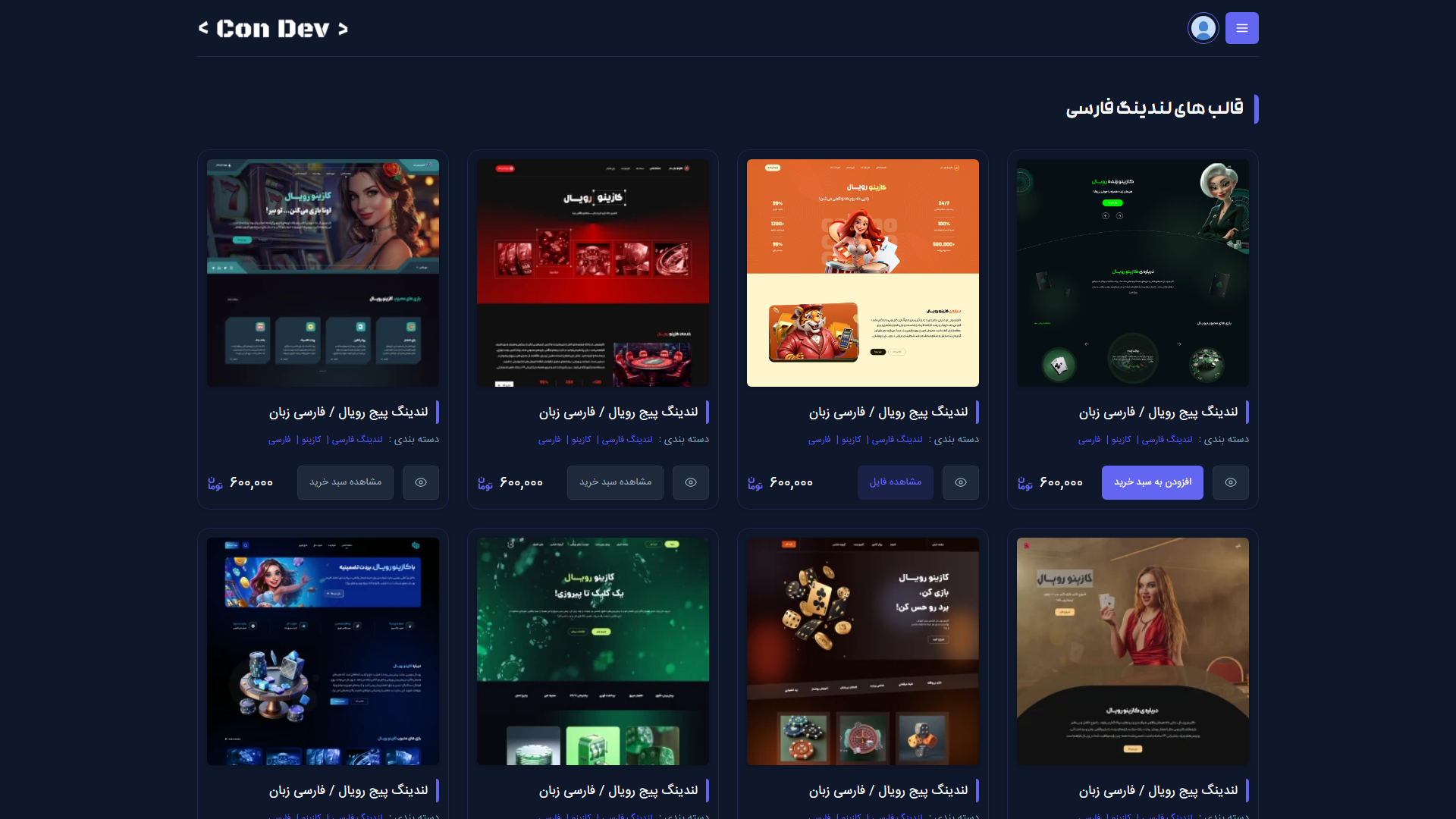
Every template in a category with the live demo link on each card.
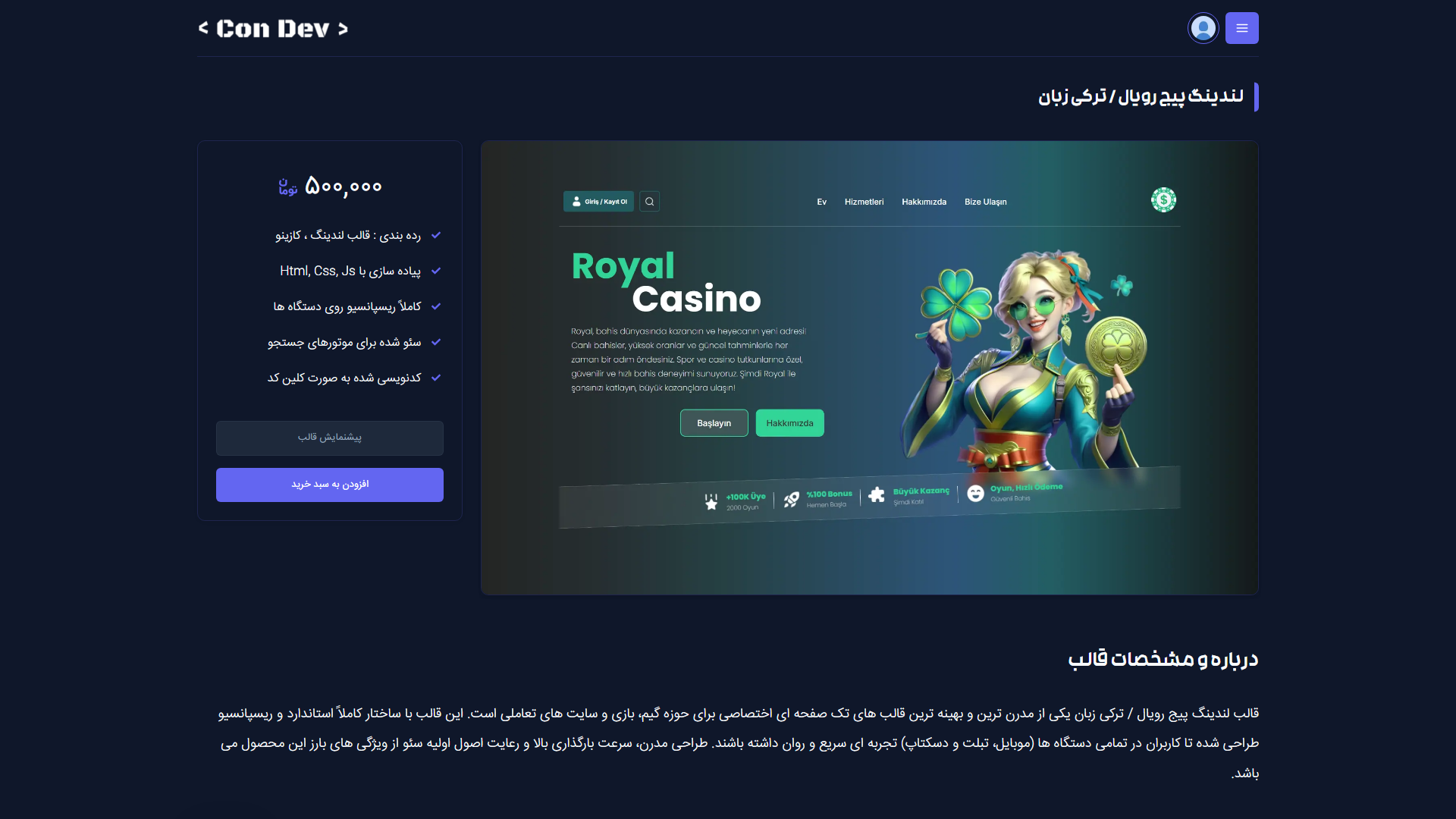
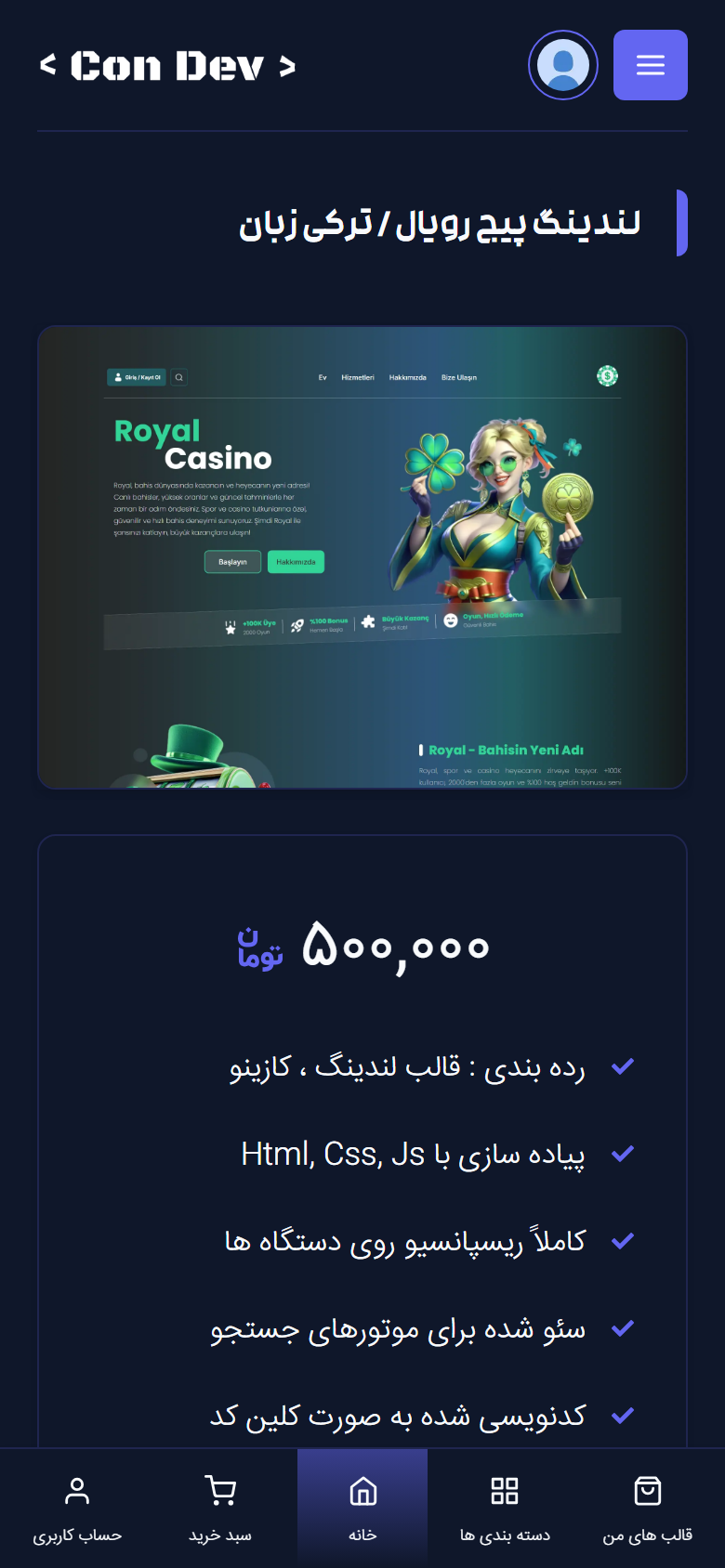
Price, feature list, live demo button, add to cart and the full description.
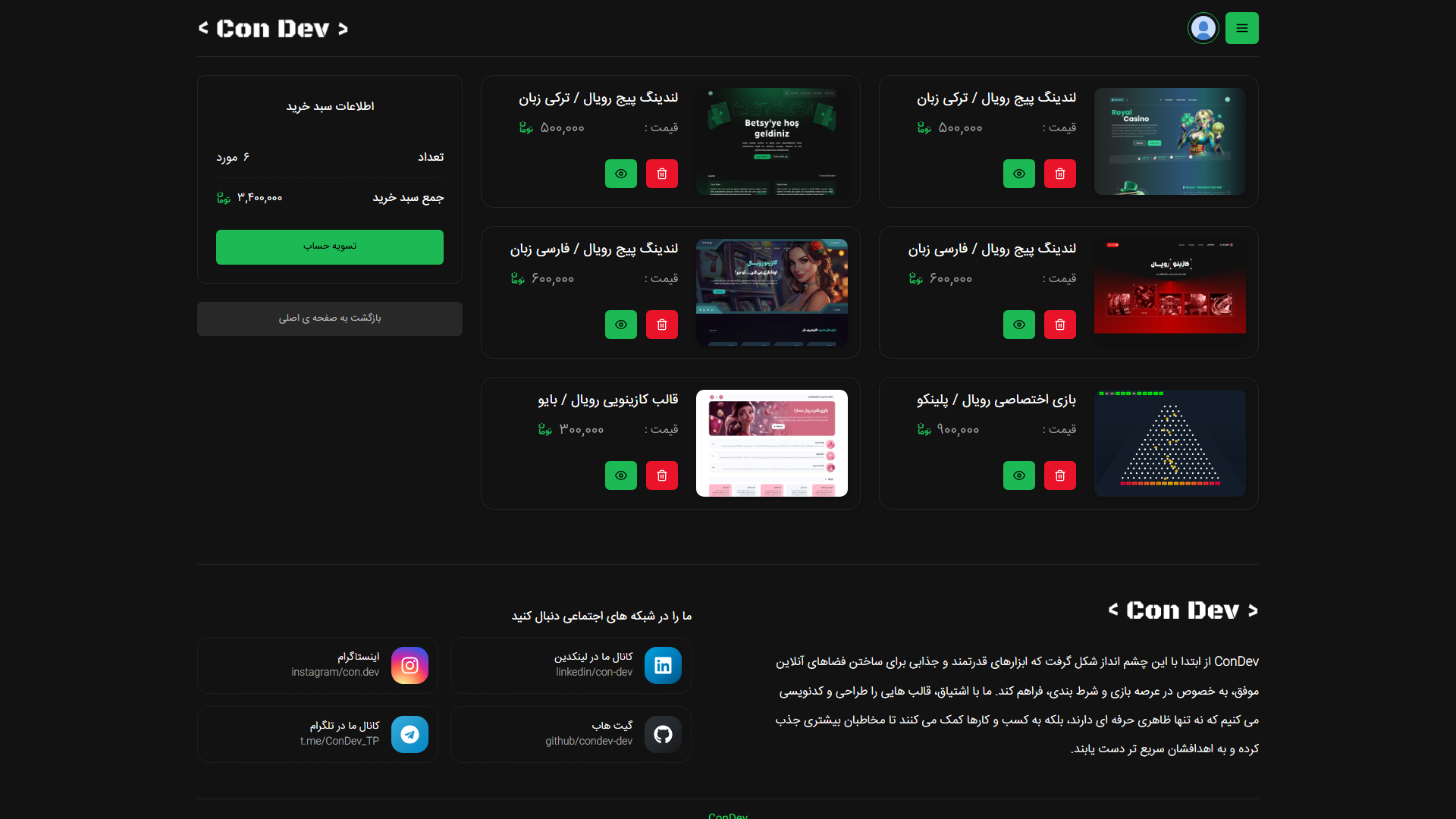
Cart items, running total and the checkout button.
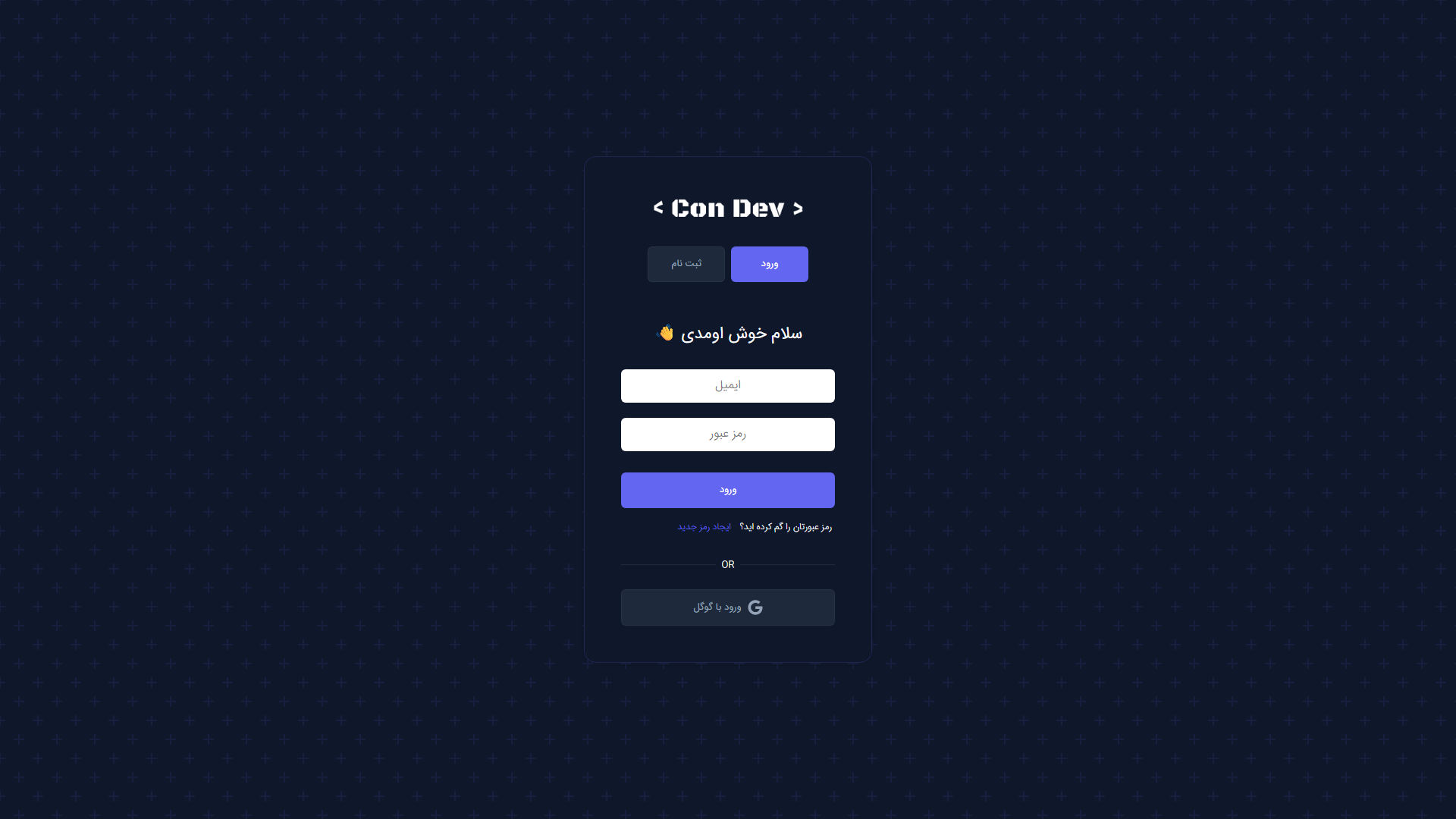
Sign in with email or Google, plus account recovery.
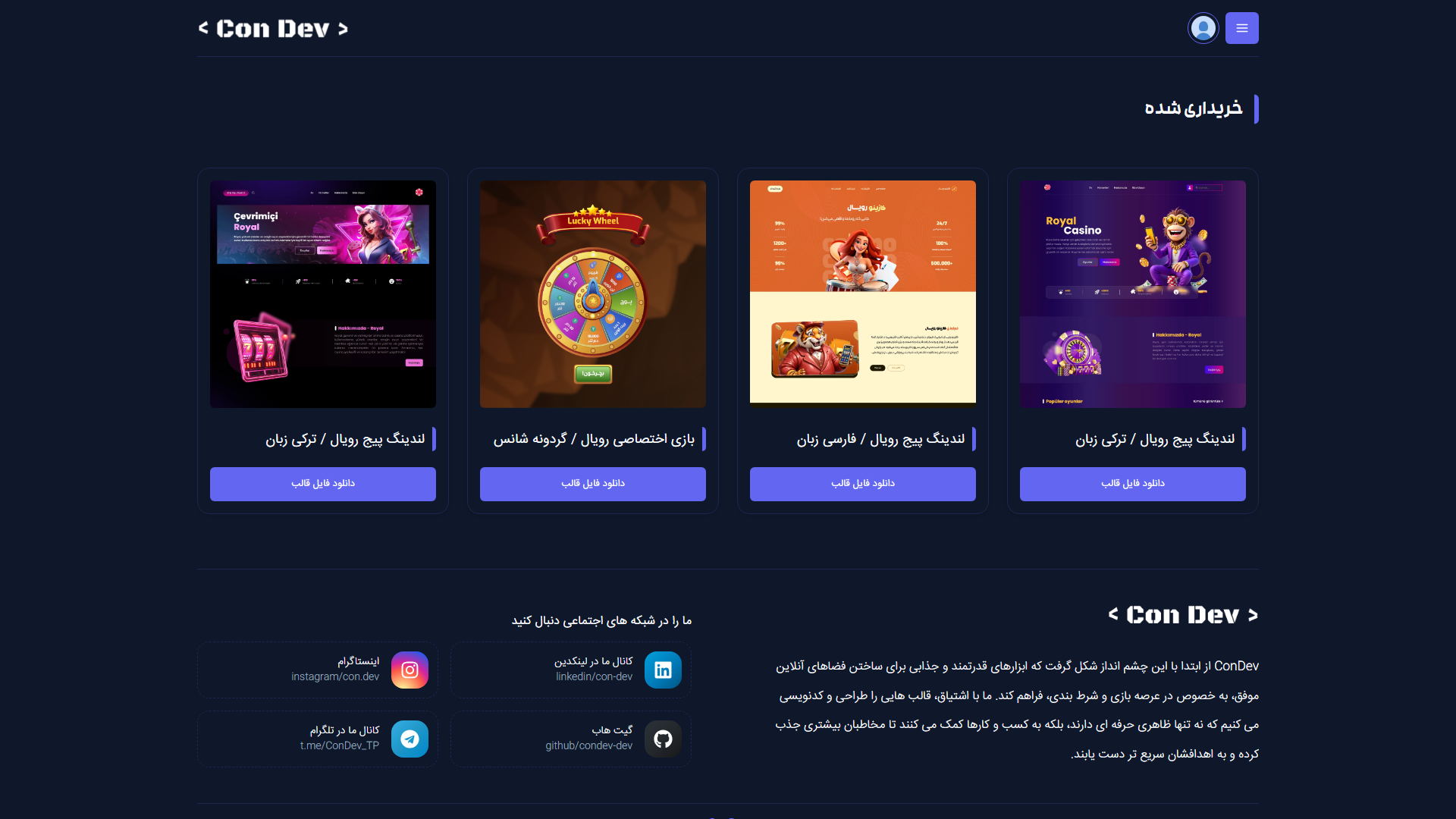
Bought templates attached to the user account, ready to download.
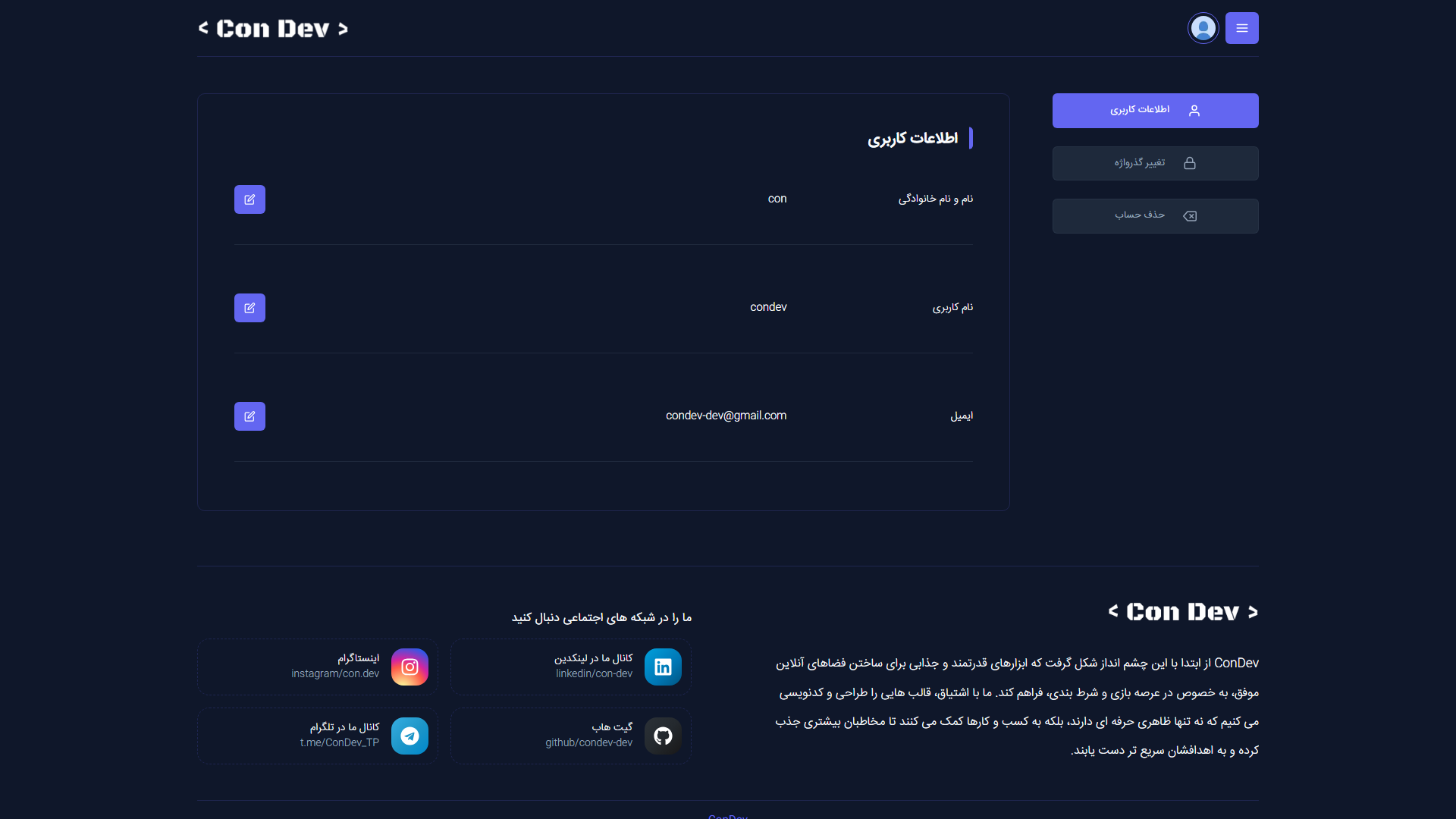
Account details, password change, theme switcher and account deletion.
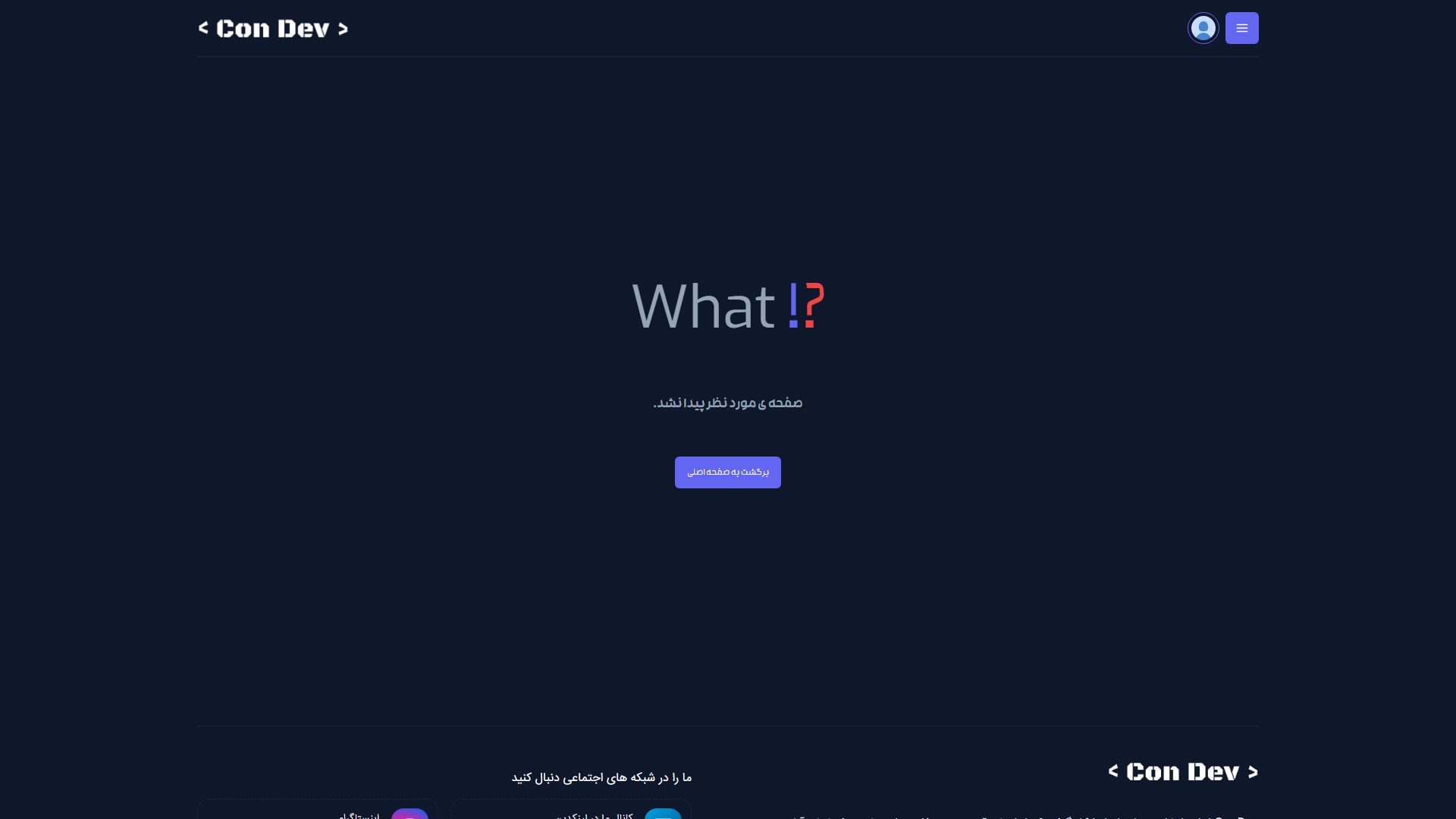
Custom not-found page inside the same layout.
The same store on the light theme — the choice is stored per browser.
The store and a template page down to a 390px viewport.
| Route | What it does |
|---|---|
/ |
Store front: hero, categories, best sellers, bundles |
/categories |
Category overview |
/templates/filter/[filterBy] |
Template list for one category |
/template/[id] |
Single template: price, features, live demo, add to cart |
/cart |
Cart and checkout entry |
/payment/callback |
Return from the Zarinpal gateway |
/purchases |
Templates the signed-in customer owns |
/profile |
Account details, password, theme and deletion |
/auth/signin · /auth/signup |
Sign in and sign up |
/auth/ForgotPassword · /auth/reset-password |
Password recovery |
| Route | What it does |
|---|---|
/api/templates |
Template list and single template |
/api/carts |
Cart read and write |
/api/purchases |
Purchases of the signed-in user |
/api/users |
Account read, update and delete |
/api/users/check-email |
Email availability check |
/api/users/reset-password |
Set a new password from a reset token |
/api/payment/request |
Create the payment request |
/api/payment/verify |
Verify the gateway callback |
/api/auth/[...nextauth] |
Sessions and the Google provider |
| Path | Description |
|---|---|
app |
Pages, layouts and the server routes (App Router) |
app/templates/filter/[filterBy] |
Category listing with its own loading and error states |
components |
UI components, each in its own folder with a colocated stylesheet |
components/templates |
Template card, list, category slider and add-to-cart button |
components/cart · components/purchases |
Cart and purchase pieces with skeleton variants |
components/profile · components/auth |
Account, password and auth pieces |
data/templates.js |
Persian title and description of every template |
lib |
Database connection and font setup |
services |
Fetch helpers used by the client components |
public/fonts |
Self-hosted Persian font families |
styles |
Reset, theme tokens, global rules and shared component CSS |
- Browse – The store lists templates by category; each card links to its own page and to the live demo of that template
- Data split – Persian titles and descriptions live in
data/templates.js, while the image, demo URL and price come from MongoDB, so text changes stay in the repository and content changes stay in the database - Cart – Adding a template writes to the cart route and the header count follows along
- Pay – Checkout asks Zarinpal for an authority, redirects the buyer, and the callback verifies the payment before anything is unlocked
- Own – Purchases are attached to the account, so a bought template is always one click away
- Session – NextAuth keeps the user signed in and protects the account, cart and purchase routes
You need Node.js 20 or newer and a MongoDB database.
git clone https://github.com/condev-dev/templates-store.git
cd templates-store
npm install
npm run dev
Then open http://localhost:3000.
If the catalogue comes back empty, it is almost always .env.local — see the table below.
Create .env.local in the project root:
| Key | What it is for |
|---|---|
MONGODB_URI |
Database connection string |
NEXTAUTH_SECRET |
Session signing key |
NEXTAUTH_URL |
Public address of the site |
GOOGLE_CLIENT_ID |
Google sign-in client id |
GOOGLE_CLIENT_SECRET |
Google sign-in client secret |
ZARINPAL_MERCHANT_ID |
Zarinpal merchant id |
ZARINPAL_BASE_URL |
Zarinpal gateway address |
NEXT_API_SECRET_KEY |
Key that protects the server routes |
NEXT_PUBLIC_API_SECRET_KEY |
The same key for browser calls |
NEXT_PUBLIC_API_URL |
Base address of the service |
| Command | What it does |
|---|---|
npm run dev |
Development server |
npm run build |
Production build |
npm start |
Run the production build |
npm run lint |
Lint the project |

© ConDev – All rights reserved.