



Flutter does not support retrieving date and time format patterns based on the user's system
settings out of the box. However, you can use the system_date_time_format plugin to get
date and time format patterns for consistent formatting in your Flutter app with ease:
final datePattern = SystemDateTimeFormat.datePattern;
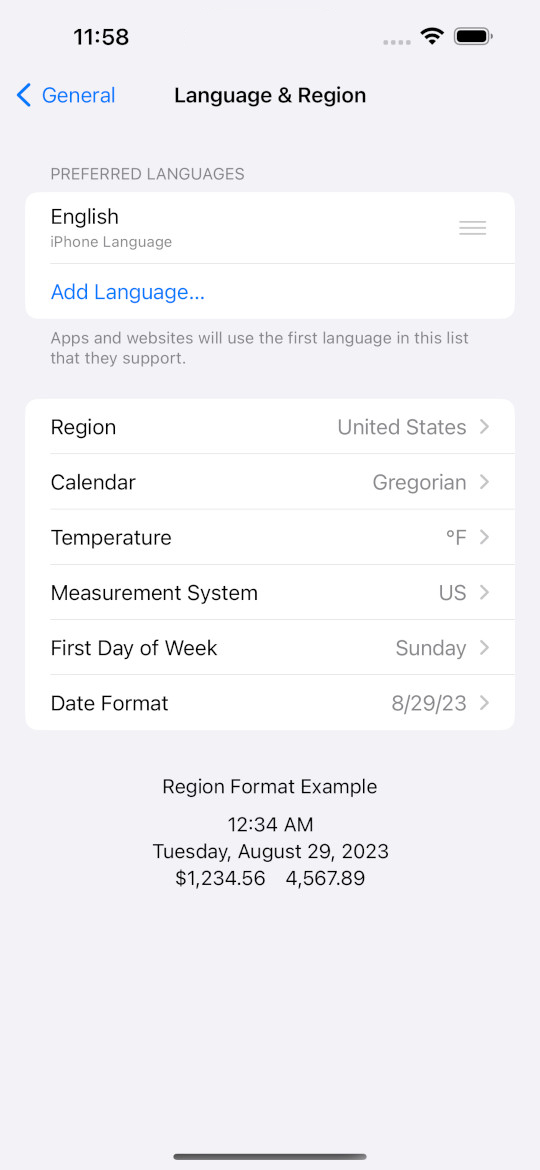
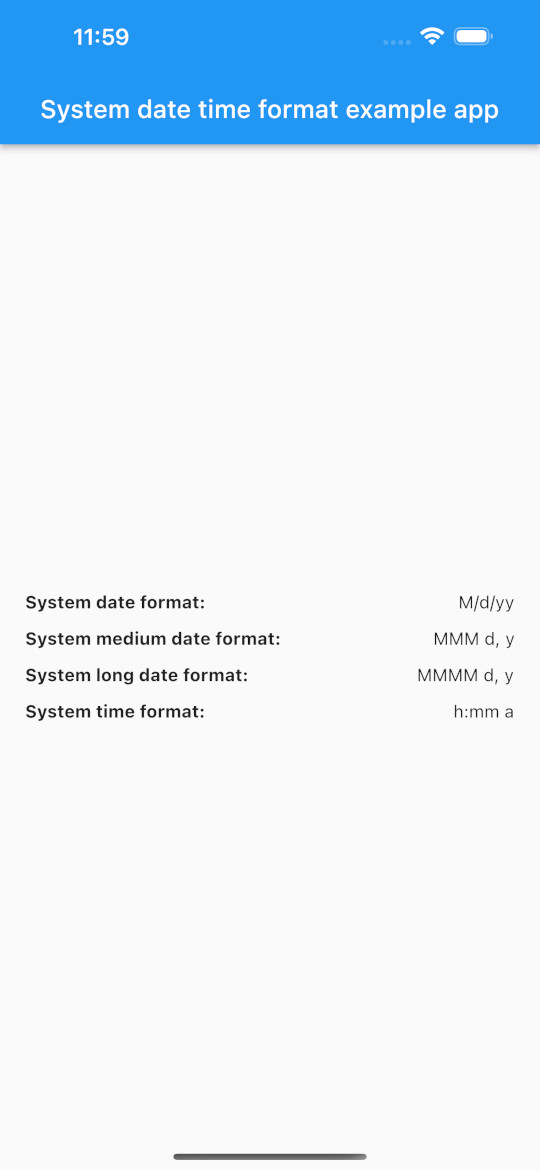
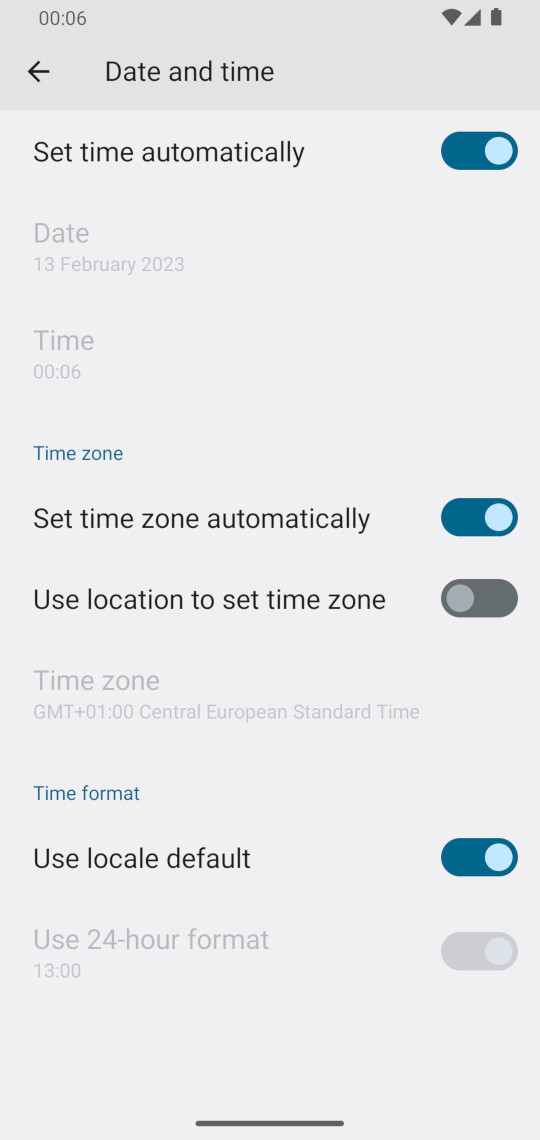
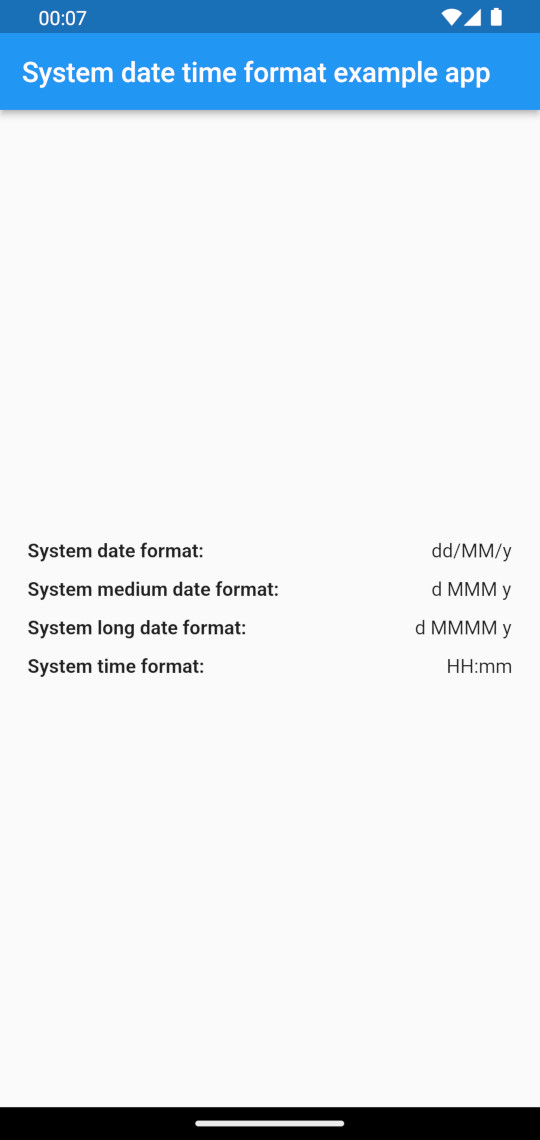
print(datePattern); // e.g. "M/d/yy"| iOS (Region: United States 🇺🇸) | Result |
|---|---|
 |
 |
| Android (Region: United Kingdom 🇬🇧) | Result |
|---|---|
 |
 |
| macOS (Region: Poland 🇵🇱) | Result |
|---|---|
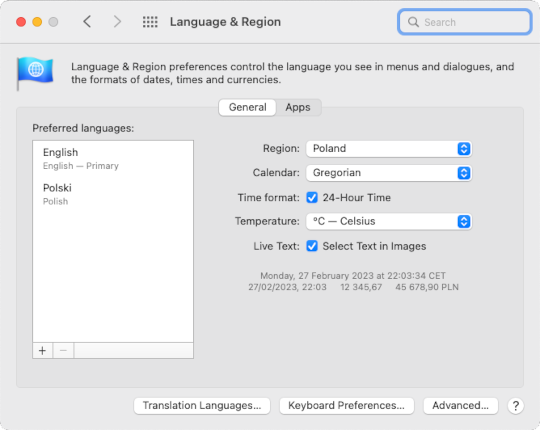 |
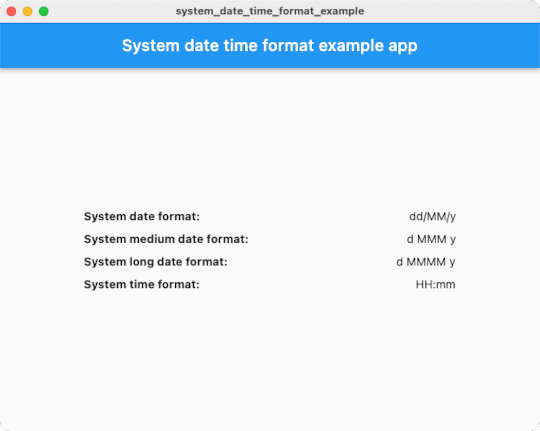 |
| windows (Region: United States 🇺🇸) | Result |
|---|---|
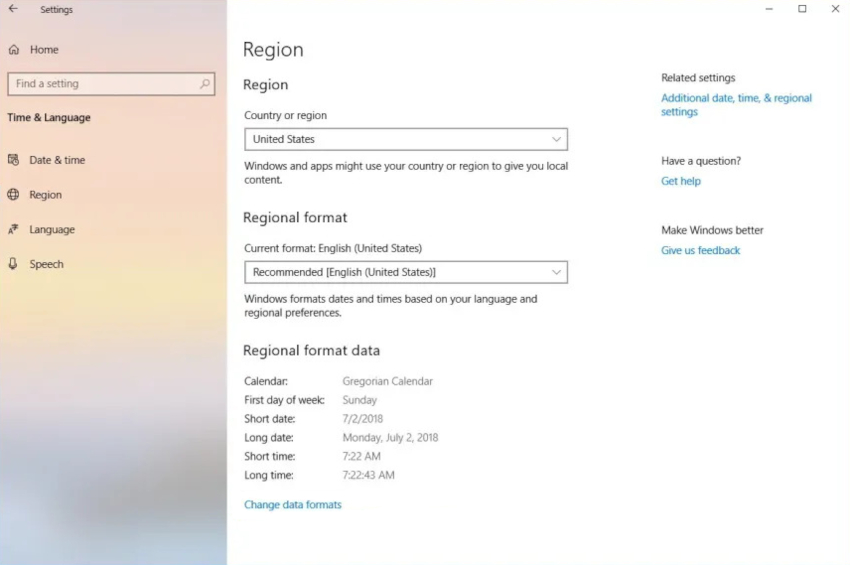 |
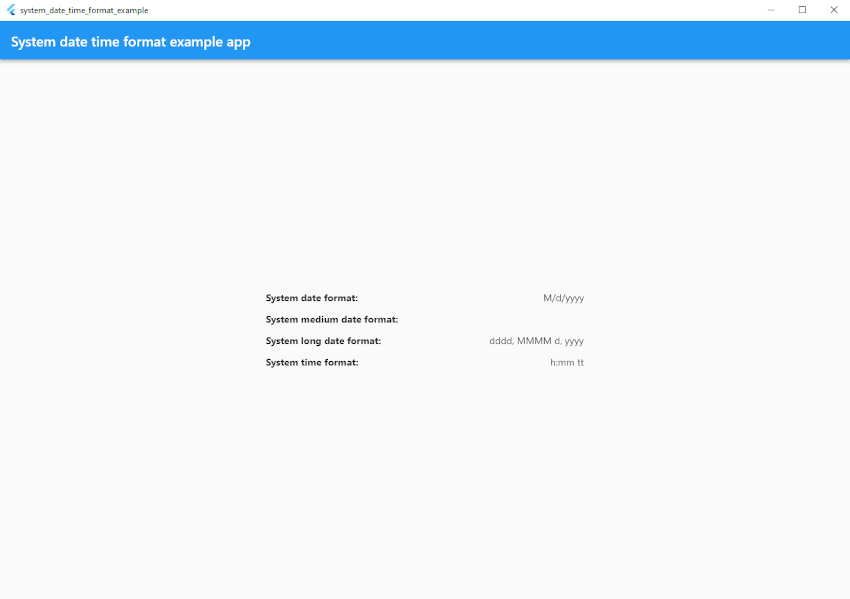 |
| linux (Region: United States 🇺🇸) | Result |
|---|---|
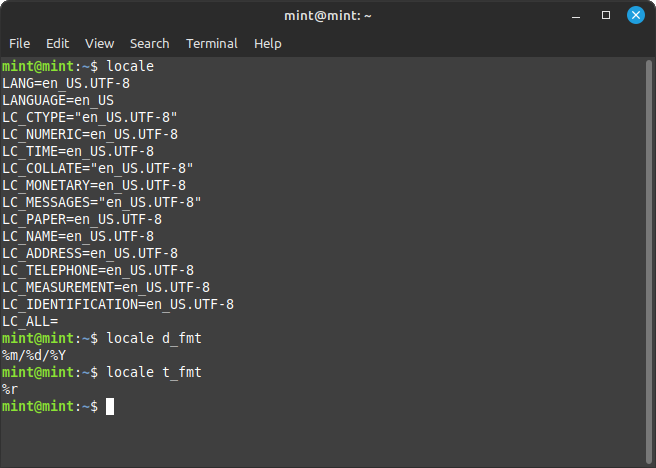 |
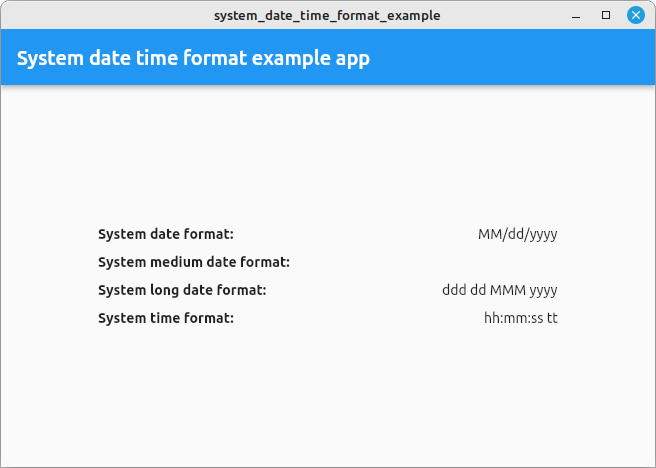 |
| web (Region: Poland 🇵🇱) |
|---|
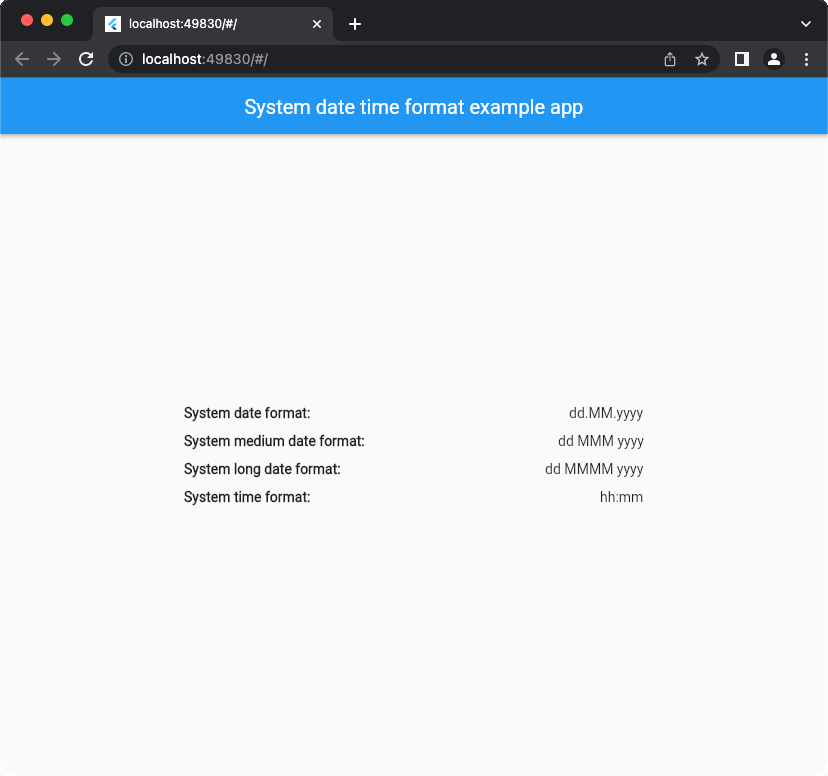 |
Read a pattern directly from the current system settings. Medium and full date patterns return null on Windows and Linux.
import 'package:system_date_time_format/system_date_time_format.dart';

void main() {
  final date = SystemDateTimeFormat.datePattern;             // e.g. "M/d/yy"
  final mediumDate = SystemDateTimeFormat.mediumDatePattern; // e.g. "MMM d, y"
  final longDate = SystemDateTimeFormat.longDatePattern;     // e.g. "MMMM d, y"
  final fullDate = SystemDateTimeFormat.fullDatePattern;     // e.g. "EEEE, MMMM d, y"
  final time = SystemDateTimeFormat.timePattern;             // e.g. "HH:mm"
}See the step-by-step migration guide.
Replace await SystemDateTimeFormat().getDatePattern() with SystemDateTimeFormat.datePattern. The other format methods follow the same naming convention. Replace calls to getAllPatterns() and SystemDateTimeFormat.of(context) with the individual getters you need. Remove the SDTFScope wrapper.
Each getter reads the current settings synchronously. A widget that reads patterns in build() picks up changes on its next rebuild.
Linux reads short date and time patterns from the active LC_TIME locale. For the long date, it uses the ICU date-only style for that locale. Install the ICU development package on the Linux build machine (for example, sudo apt install libicu-dev on Ubuntu or Debian). The application requires the matching ICU runtime libraries.
Web getters use the browser’s locale and hour cycle. A getter returns null when the browser reports a field that has no matching pattern, such as a named year in the Chinese calendar. Load the JavaScript asset in index.html before Flutter starts.
From version 1.3.1 and above, the preferred way is to use the local asset:
<script src="./assets/packages/system_date_time_format/web/system_date_time_format.min.js"></script>Alternatively, you can still use the CDN link:
<script src="https://cdn.jsdelivr.net/gh/Nikoro/system_date_time_format@main/web/system_date_time_format.min.js"></script>index.html
<!DOCTYPE html>
<html>
<head>
    <!--...-->
    <script src="./assets/packages/system_date_time_format/web/system_date_time_format.min.js"></script>
</head>
<body>
<!--...-->
</body>
</html>Mocktail stubs instance members. To test code that reads a static format getter, pass the consuming widget a value or a reader owned by your app. In example_with_tests, the production DeviceFormats.time getter calls SystemDateTimeFormat.timePattern. A widget test supplies a mock instance:
final formats = MockDeviceFormats();
when(() => formats.time).thenReturn('HH:mm');
await tester.pumpWidget(App(formats: formats));
expect(find.text('HH:mm'), findsOneWidget);
The example also tests how the app displays unavailable date styles. App adapter · Widget tests